 GymBells
Plan → Train → Log → Done
Follow Your Program. Barely Think About the App.
GymBells shows the next workout in your program. Tap a set to log it, rest, tap the next. When you finish, it moves you on through the program's weeks and phases.


- Free to download
- No account
- No ads
- No tracking
- Data stays on your iPhone
- PlanPick a program and the days you train.
- TrainOpen the app. Today shows the workout.
- LogTap a set. The rest timer starts.
- DoneFinish. The next workout is ready.
During a Workout
Log the Set, Don't Manage the Set
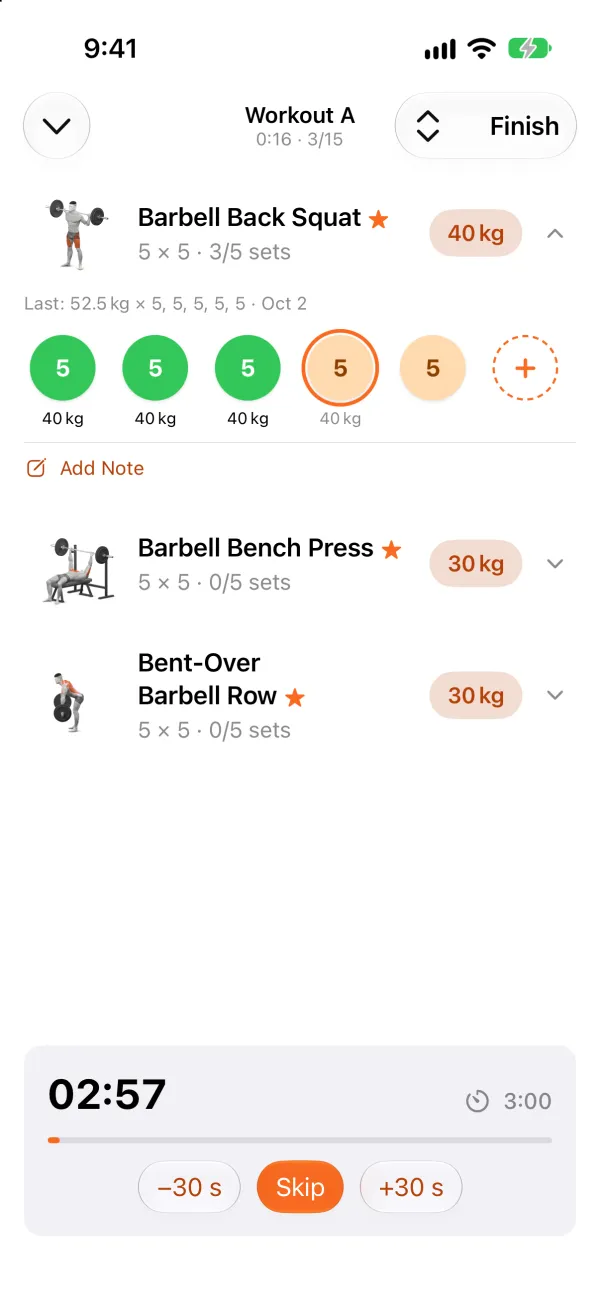
Each set shows its target. Tap it to log it, and the rest timer starts on its own. Try it here.
Last: 37.5 kg × 5, 5, 5, 5, 5
Tap the first set.
Today
Open the App. The Workout Is There.
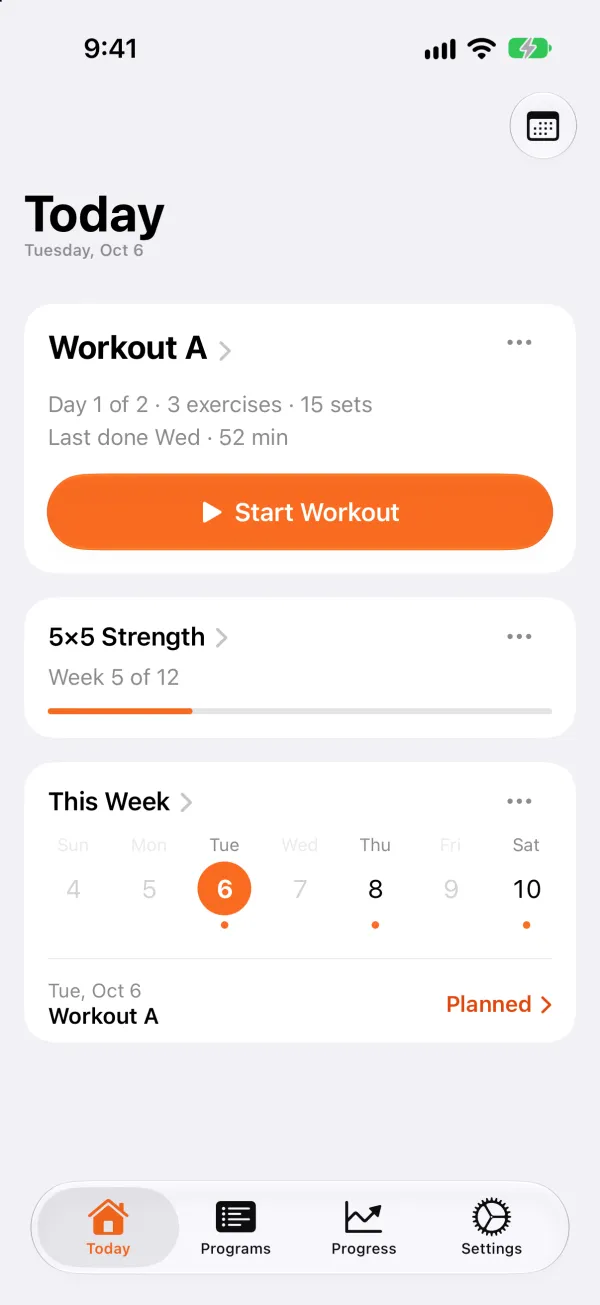
Today shows the next workout in your program. Tap Start Workout and go.
- Finish, and the next workout in the program is ready.
- Joining a program part-way through? Tell GymBells where you are.
During a Workout
When the Day Goes Differently
The plan is where you start. Change the reps or weight of a set when you need to, then tap it.
- Add or remove a set on the day.
- The rest timer keeps running if you leave the app.
- Interrupted? Pick the workout up where you left off.
- Every set reached the top of its range last time? The next workout starts that exercise one weight step heavier, and you can keep the old weight (with Unlock GymBells).
Barbell Bench Press
Lock Screen and Dynamic Island
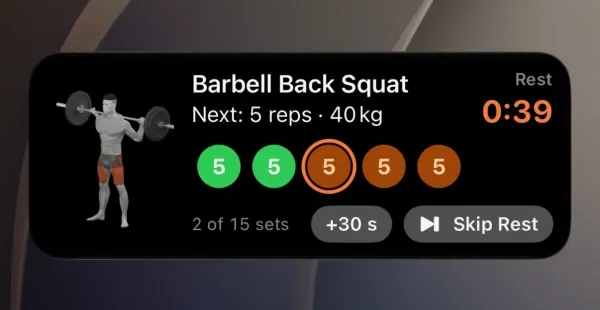
Log the Next Set Without Opening the App
Your current exercise and rest timer show on the Lock Screen and in the Dynamic Island, where you can log the next set. Add 30 seconds or skip the rest from there too.
Exercises
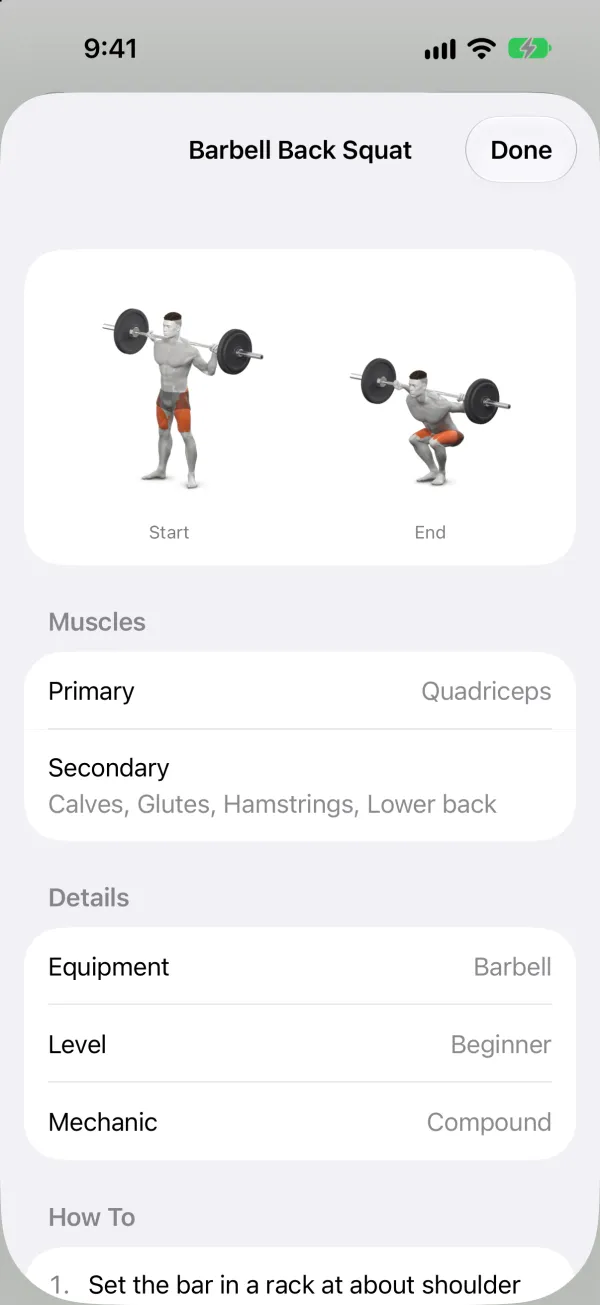
Every Exercise, Drawn and Explained
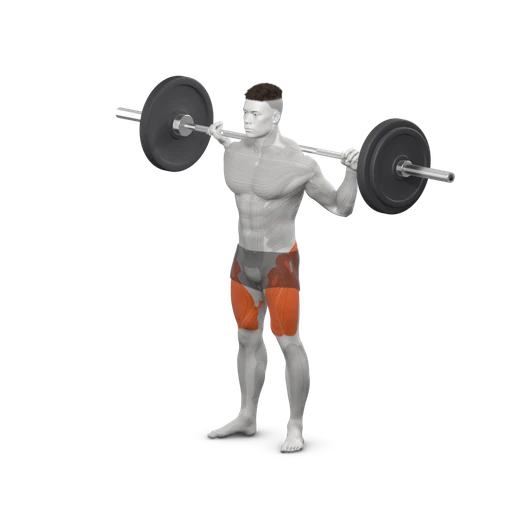
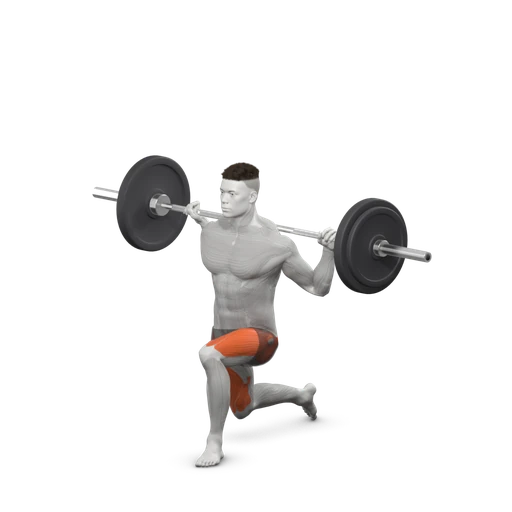
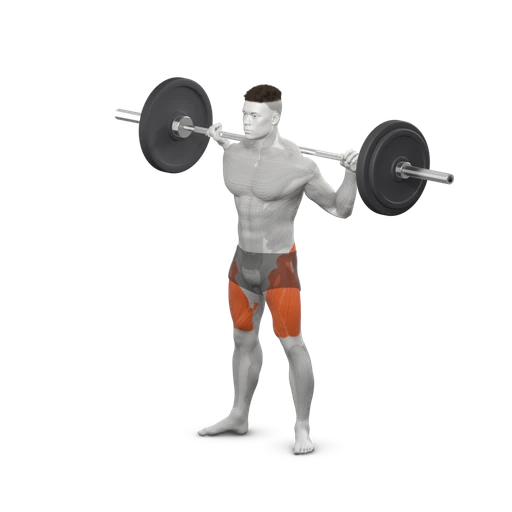
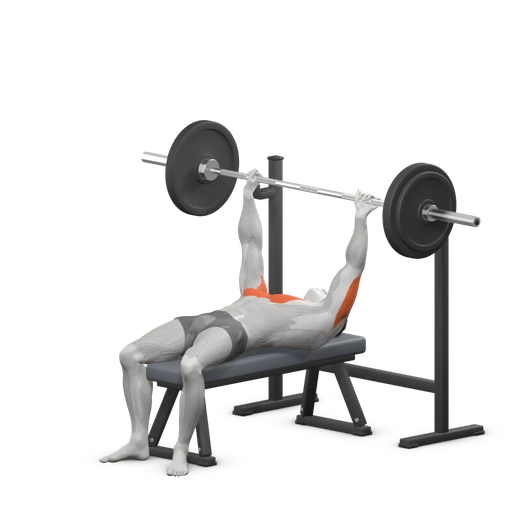
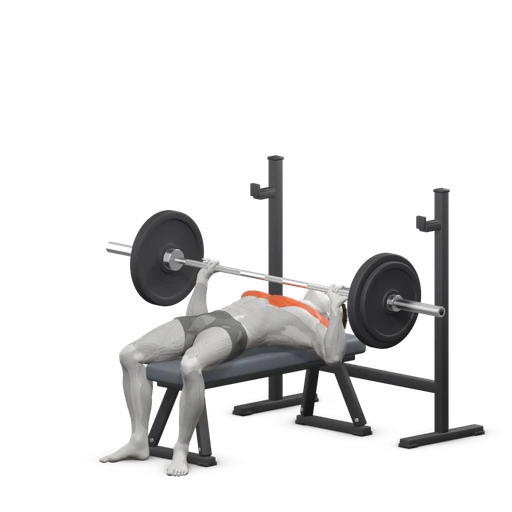
Every exercise has drawings of its start and end positions and step-by-step instructions. Tap a picture to open the exercise: on the workout screen, in a program, or when you add one.
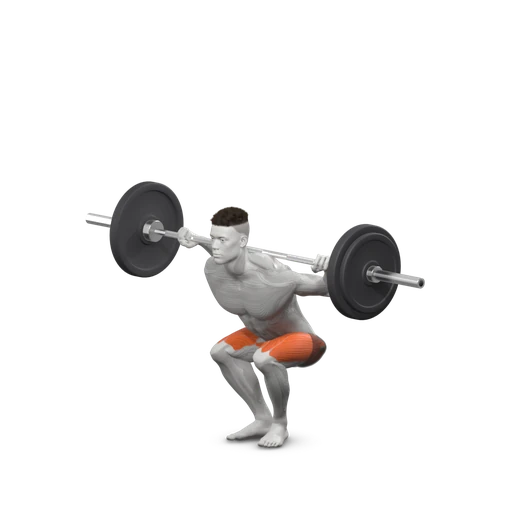
Barbell Back Squat
Programs
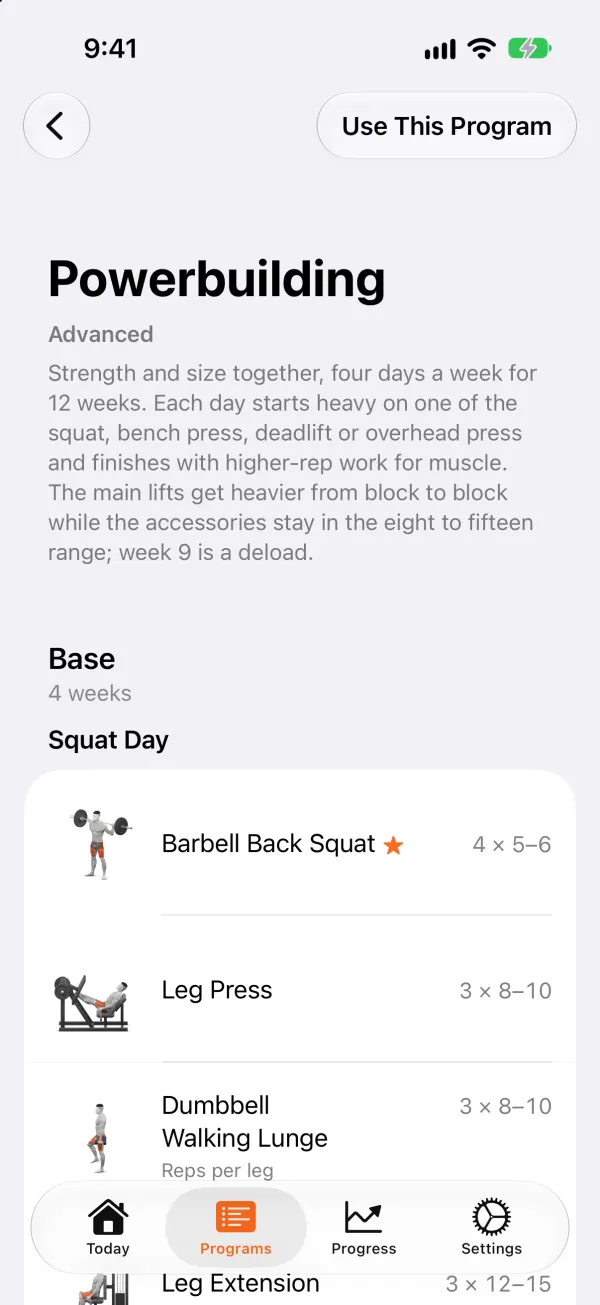
Phases, Weeks and Where You Are
A program is split into phases that run for a set number of weeks. Start with a free one: Full Body Beginner, 5×5 Strength or Push Pull Legs.
Shown here: Powerbuilding, one of the programs with phases that come with Unlock GymBells.
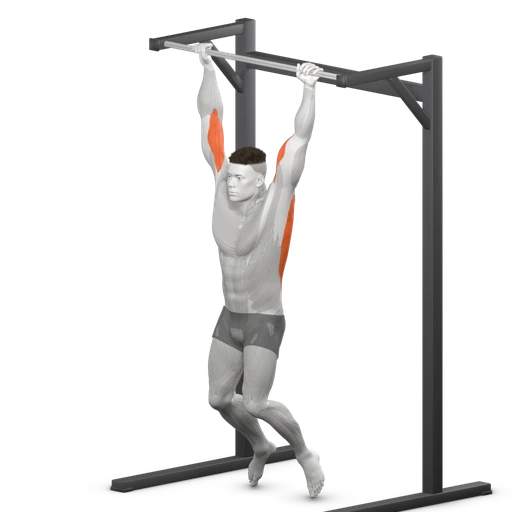
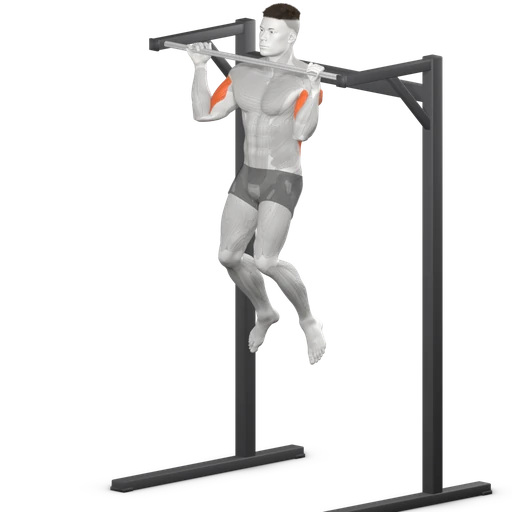
Pull-Up
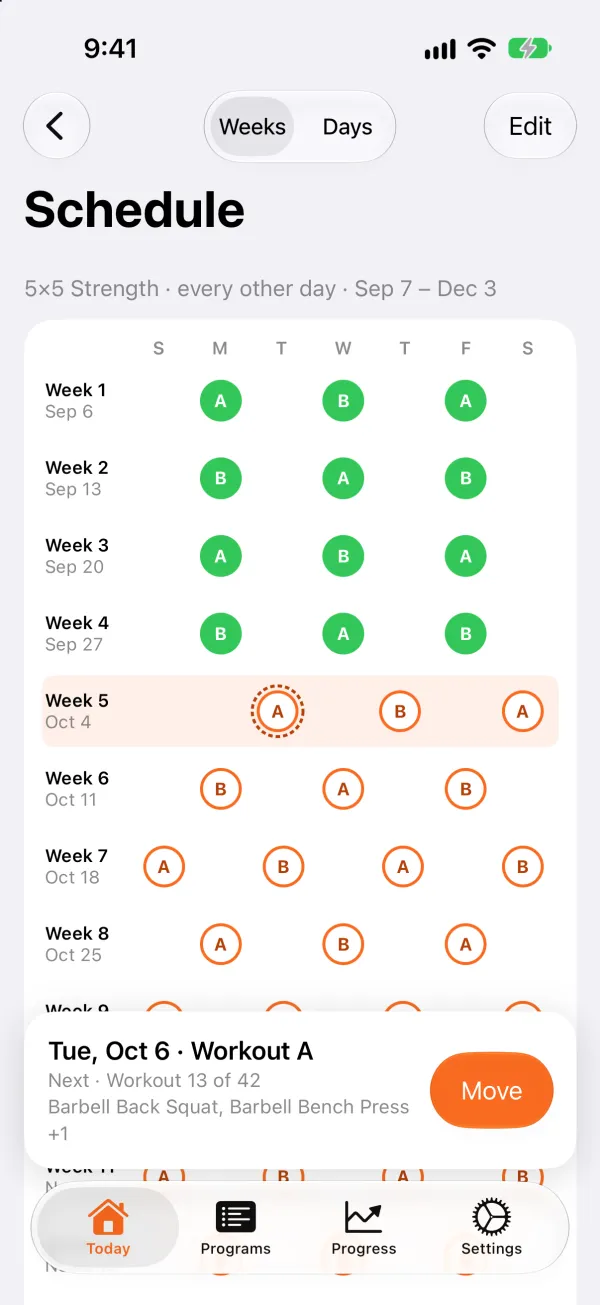
Schedule
A Plan, Not a Contract
Choose the days you train and see the whole program on a calendar, week by week. Change it when you need to.
- Move a workout to another day, plan rest days, or train anyway.
- Missed a workout? Do it today or skip it, and GymBells carries on with the next one.
Progress
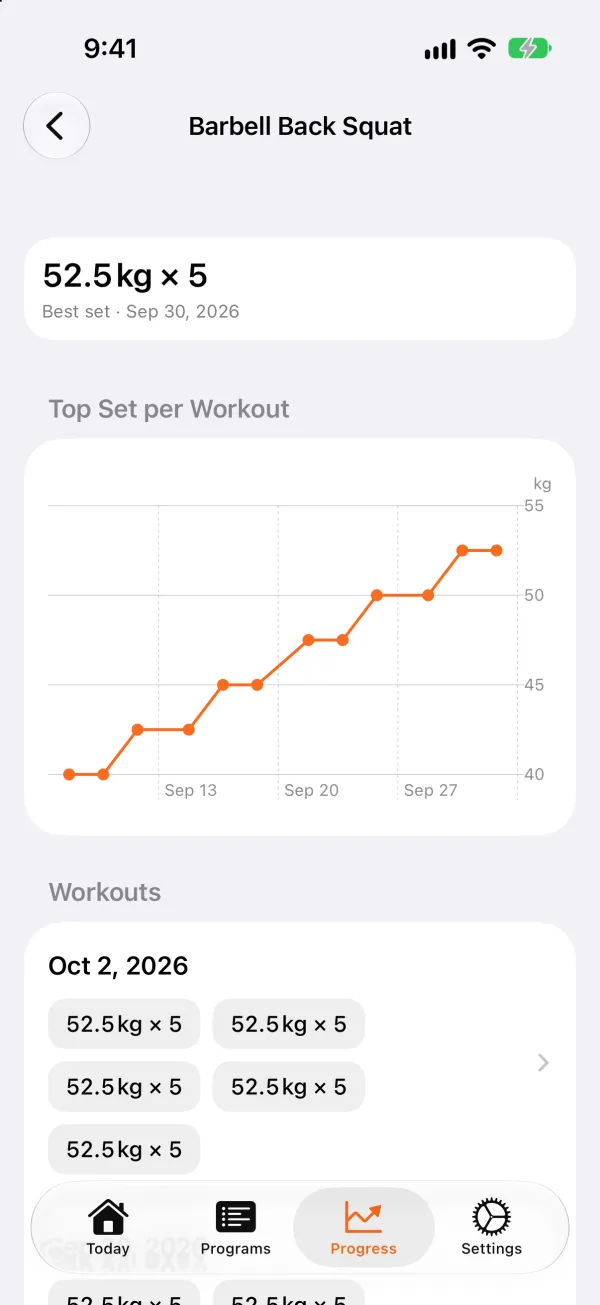
What You Did, Not a Dashboard
Your workouts this week and this month, and how many weeks in a row you've trained.
- Find a past workout on a calendar and see every exercise, set and weight.
- Logged a set wrong? Correct it.
- Follow each exercise on a chart of your top set (with Unlock GymBells).
Apple Watch
Leave the iPhone in Your Bag
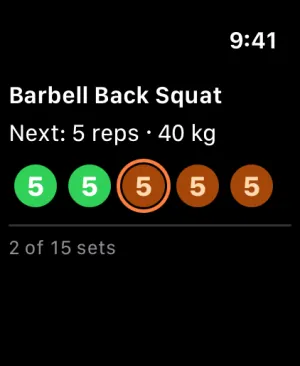
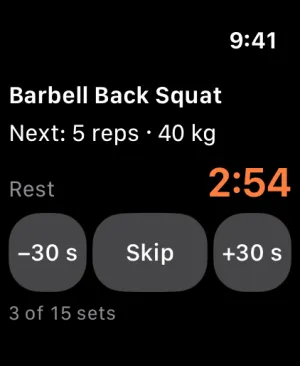
GymBells on Apple Watch shows the current exercise, your sets and the rest countdown. Tap a set to log it, press and hold it to change the reps with the Digital Crown, and skip or adjust the rest from your wrist.
With Unlock GymBells
Free and Unlock GymBells
Free to Train. One Purchase for the Rest.
The free version is a complete way to follow a program. Unlock GymBells is a one-time purchase, with no subscription, and Family Sharing is included.
Free
- Three complete programs · Full Body Beginner, 5×5 Strength and Push Pull Legs
- The schedule
- Workout logging and the rest timer
- The Lock Screen and the Dynamic Island
- Your history
- Export your data to a file
Unlock GymBells
- Every other program in the Library · Upper / Lower, Dumbbell Only and the programs with phases
- Edit any program · add, remove or swap exercises, change their sets and reps, add your own notes
- Import your own program from a file
- The Apple Watch app
- A chart of each exercise over time
- When to add weight to each exercise · one weight step heavier once every set reaches the top of its range
The price is shown in the App Store and depends on your country.
The Library
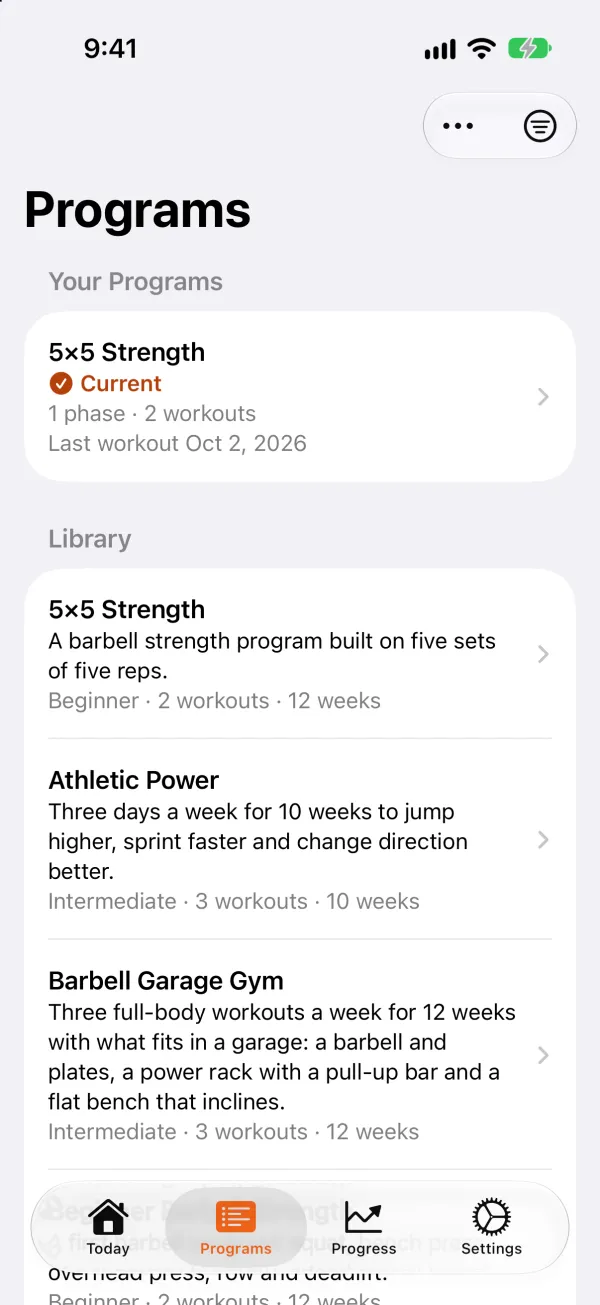
Every built-in program, each with its level, workouts and weeks. Full Body in Phases, for example, moves you from higher reps to heavy sets over 12 weeks.
Bring Your Own Program
Your Program, as a File
A program is a JSON file. With Unlock GymBells, import one and it joins the Library like any other program.
You don't have to write it by hand. In the Library, How Importing Works (Import Your Own Program once unlocked) has a prompt to copy into an AI chat: fill in your goal, training days and equipment, and save the answer as a .json file.
{
  "name": "My Full Body",
  "description": "Three full-body workouts a week.",
  "level": "beginner",
  "phases": [{
    "name": "Base",
    "weekStart": 1,
    "weekEnd": 4,
    "workoutDays": [{
      "name": "Full Body A",
      "dayNumber": 1,
      "exercises": [{
        "name": "Barbell Back Squat",
        "order": 1,
        "sets": 3,
        "repRangeMin": 5,
        "repRangeMax": 8,
        "defaultWeight": 40,
        "isFoundational": true
      }]
    }]
  }]
}Languages
In 12 Languages
Including exercise names, instructions and the built-in programs.
- English
- Spanish
- German
- French
- Catalan
- Italian
- Dutch
- Brazilian Portuguese
- Japanese
- Korean
- Simplified Chinese
- Traditional Chinese
No Account. No Ads. No Tracking.
Everything you enter stays on your iPhone. Export it to a file at any time, and restore it from that file. Read the privacy policy, or see support for questions.